Coding Articles
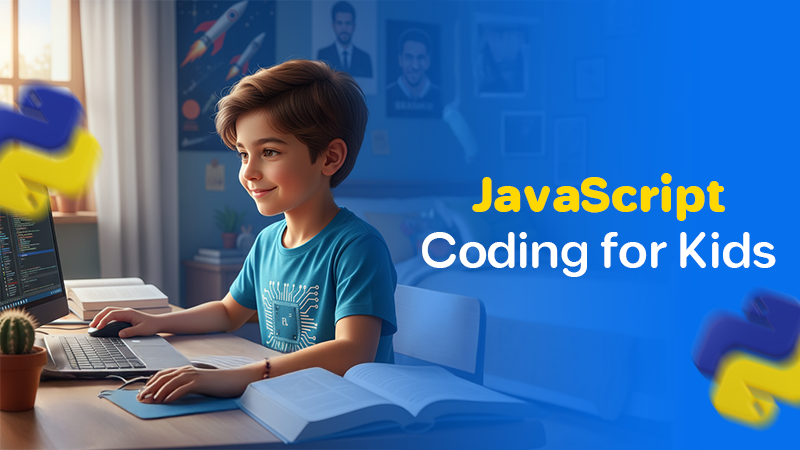
Best JavaScript for Kids Coding Learning Path & Classes
September 16, 2025
Most kids are curious about how websites, games, and apps actually work. They use them every day but very few know that behind every click or animation, there’s a language making it all happen. That language is often JavaScript.
At iSchool, we help kids from as young as 5 begin their coding journey through tools like Scratch and Minecraft. But once they gain confidence and logic skills, many are ready for something more powerful. That’s where JavaScript comes in.
This blog takes you through a simple, step-by-step path we follow at iSchool to teach kids JavaScript. It’s not just about learning code it’s about turning ideas into real websites, games, and apps that they can proudly call their own.
Why JavaScript is Great for Kids Learning to Code
JavaScript is one of the most used programming languages in the world. Every time your child clicks a button on a website, plays a web-based game, or sees a moving graphic it’s likely JavaScript is behind it.
But what makes it ideal for kids?
Many iSchool students start JavaScript around age 10, after learning the basics with visual coding platforms. One 11-year-old student from Alexandria built his first to-do list app using HTML, CSS, and JavaScript and started using it daily to manage schoolwork. That’s the kind of real-world application that makes JavaScript worth learning.
Step 1: Getting Started with JavaScript – Basics of Syntax and Variables
We begin with the core building blocks of JavaScript. In simple terms, we teach your child how to write their first line of real code.
Here’s what they learn:
We also explain how to break problems into small parts, like building a sentence one word at a time. Kids start building mini tools like a calculator, greeting generator, or even a fun age converter.
We focus on logic, not memorization because understanding comes first.
Step 2: Creating Interactive Web Pages with HTML and JavaScript
Now it’s time to show kids how JavaScript brings websites to life.
In this step, they:
This connects directly to iSchool’s Web Development and UI/UX Design tracks. One student built her own mini portfolio site with a “click to reveal” feature using JavaScript. That project helped her apply for a school tech competition and she won second place.
Real code. Real impact.
Step 3: Learning Loops, Functions, and Events in JavaScript
By now, your child is ready to build logic-based apps. This stage introduces coding that thinks.
We cover:
These concepts form the core of how any game, app, or website behaves. Kids apply these in projects like:
These real projects don’t just teach coding they build problem-solving, logic, and patience, all of which are key learning goals in iSchool’s programs.
Step 4: Building Fun Projects – Games and Interactive Animations
Kids love seeing their ideas come to life, which is why this stage is all about project-based learning.
Examples of what iSchool students build here:
These projects improve creativity, confidence, and attention to detail. More importantly, kids start to debug which means learning how to fix errors. This builds resilience and patience, something we always highlight to parents during workshops.
In fact, research shows that students who code regularly are 40% more likely to develop strong analytical thinking skills than those who don’t.
Step 5: Advancing to Complex JavaScript Concepts and Libraries
Once the basics are strong, we introduce higher-level concepts but always in a kid-friendly way.
Kids start to explore:
We often align this stage with our Game Development, App Building, or AI learning paths. For example, a student working on a personal finance app used JavaScript to create a graph showing weekly savings something they were learning in math class too.
This is where students begin to see how coding connects with real life.
Sign Up with iSchool: The Best Platform for Kids to Learn JavaScript
iSchool is trusted by thousands of parents across Egypt and the Middle East. We’re proud to teach coding in a way that’s age-appropriate, engaging, and educational. Our JavaScript path is designed for students who are ready to move from block-based coding to real-world programming and we guide them every step of the way.
From building games and websites to creating tools they can use in school or daily life, our students don’t just learn JavaScript they apply it.
Interested in getting your child started?
Sign up with iSchool and start your JavaScript learning journey today.