Coding Articles
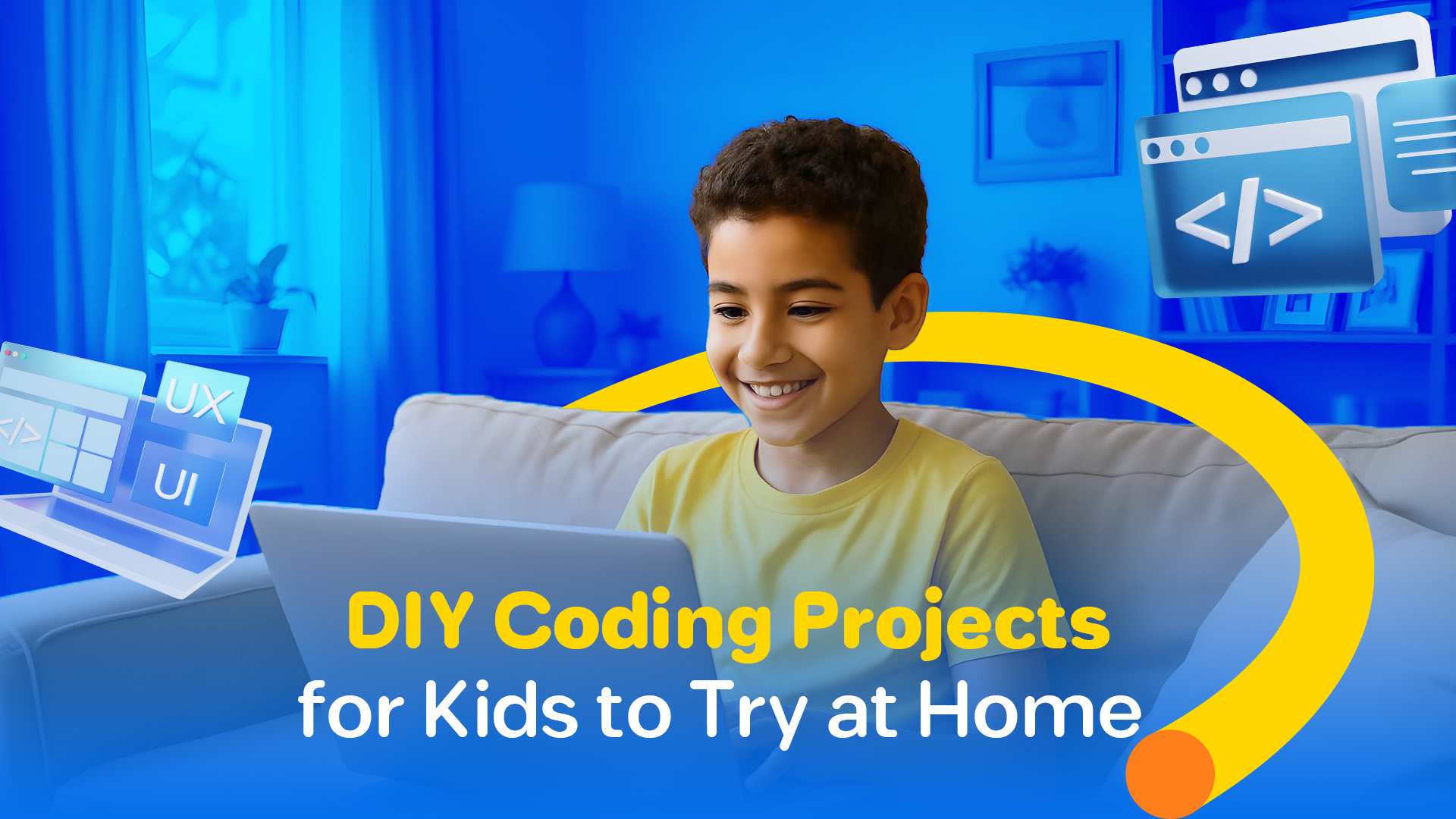
DIY Coding Projects for Kids to Try at Home
June 16, 2025
🧩 Why DIY Coding Projects Matter
At iSchool, we believe every project — big or small — is a step toward mastery.
🚀 5 Fun DIY Coding Projects to Try at Home
1. Create an Interactive Story (Using Scratch)
Kids can design a story where characters talk, move, and interact based on user choices.
🛠 Skills learned: Sequences, events, simple logic
🚀 How iSchool helps: In our beginner tracks, kids build their first animated stories in Scratch — boosting storytelling and coding skills together.
2. Build a Simple Quiz App (Using Tynker or Scratch)
A fun quiz about favorite animals, superheroes, or sports — made entirely with code!
🛠 Skills learned: Variables, conditions, user inputs
🚀 How iSchool helps: Students at iSchool create personalized quiz apps in their first few months, practicing both coding and creativity.
3. Code a Virtual Pet (Using Scratch or Python)
Kids can design a digital pet that eats, plays, and responds to clicks!
🛠 Skills learned: Loops, events, visual logic
🚀 How iSchool helps: Our intermediate students develop virtual pets and games that teach cause-and-effect relationships through code.
4. Design a Simple Game (Using Roblox Studio)
For older kids, creating an obstacle course or mini-game in Roblox Studio is a super rewarding project.
🛠 Skills learned: 3D design, Lua scripting, debugging
🚀 How iSchool helps: We guide students in building and publishing their own Roblox games — some have even gone viral!
5. Build a Weather App (Using HTML/CSS/JavaScript)
Teens can code a basic app that shows the weather forecast — a great intro to web development!
🛠 Skills learned: Web structure, APIs, real-world app creation
🚀 How iSchool helps: Advanced students at iSchool learn front-end development by building simple but powerful web apps.
🏆 Real Success Stories from iSchool
DIY projects empowered them to move from learners to creators — right from their own rooms!
Conclusion: Big Dreams Start with Small Projects
You don’t need a fancy lab or expensive equipment to start your child’s coding journey. All it takes is a computer, a little curiosity, and the right guidance.
At iSchool, we believe that small projects today turn into big opportunities tomorrow. And the best time to start? Right now.
🔍 Frequently Asked Questions (FAQ)
What’s a good first coding project for kids?
Interactive stories and simple quizzes in Scratch are a perfect starting point.
Does my child need prior experience?
Not at all! DIY projects are great for beginners — and iSchool provides the right support at every level.
How much time should my child spend on coding projects at home?
Even 1–2 hours a week can make a huge difference when supported with fun and meaningful activities.
What if I don’t know coding myself?
No problem! Most platforms are child-friendly, and iSchool offers tutorials and mentorship to guide both kids and parents.
How can I enroll my child in iSchool?
Visit www.ischooltech.com and click "Apply Now" — let’s start the journey!